Micro ATmega32U4-MU
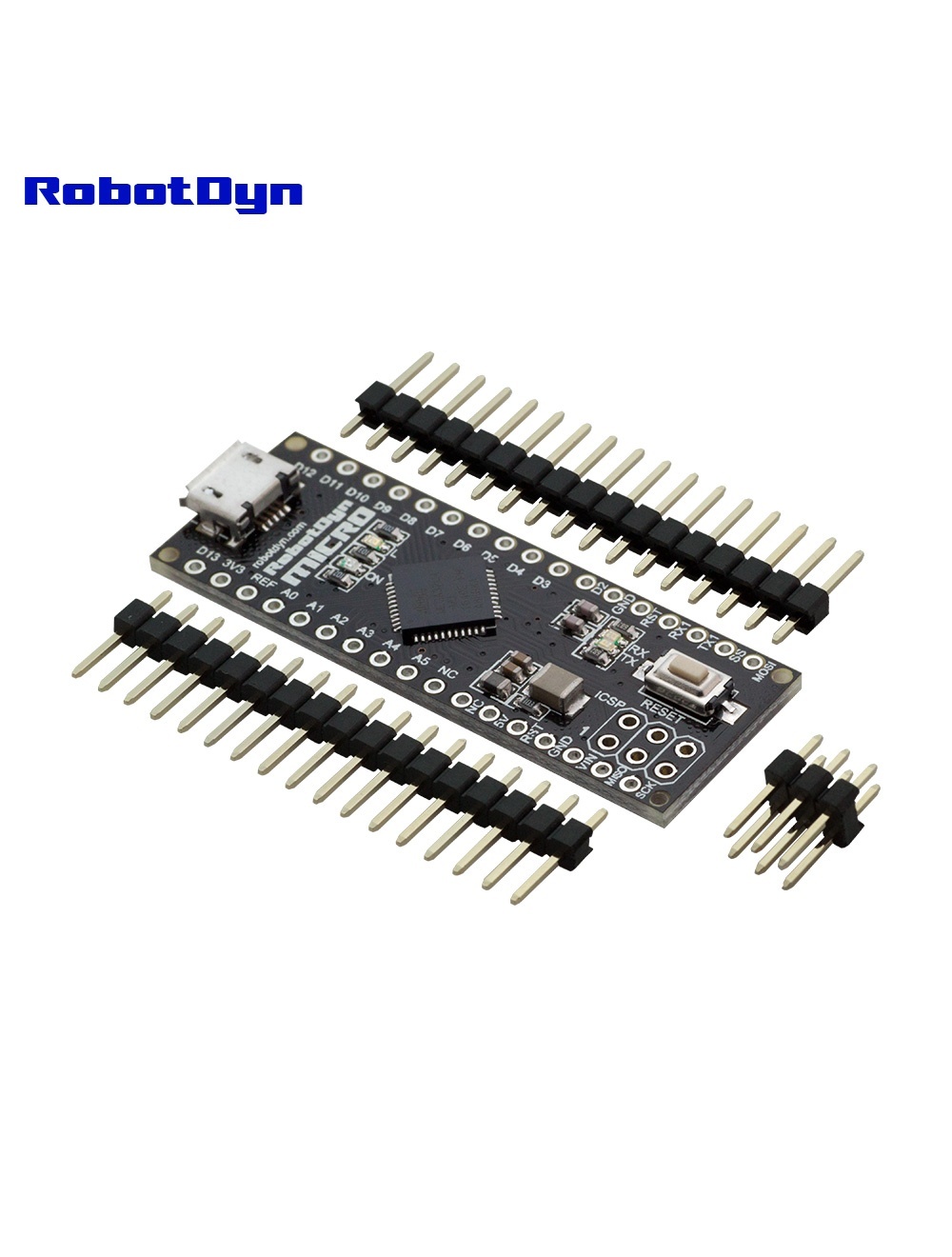
Overview
The RobotDyn Micro is an Arduino Micro clone based on the ATmega32U4 — the same chip used in Arduino Leonardo and the official Arduino Micro. Its standout feature is native USB support: the ATmega32U4 has built-in USB hardware, allowing the board to appear to a host computer as a keyboard, mouse, game controller, or MIDI device with no external chip.
This makes it the go-to choice for DIY USB peripherals — custom keyboards, hardware game controllers, MIDI controllers, automated input devices.
Why Native USB Matters
On Uno/Nano (ATmega328P + CH340G), the USB connection is purely a virtual serial port. You can’t make the Arduino act as a USB keyboard.
On the Micro (ATmega32U4), the MCU itself enumerates as whatever USB device class you want:
#include <Keyboard.h>

void setup() {
  Keyboard.begin();
  delay(1000);
  Keyboard.print("Hello, computer!");
  Keyboard.press(KEY_RETURN);
  Keyboard.releaseAll();
  Keyboard.end();
}
When this sketch runs and you press the reset button, the Micro literally types “Hello, computer!” into whatever app has focus.
Pinout
20 digital I/O pins, 7 with PWM (D3, D5, D6, D9, D10, D11, D13), 12 analog inputs:
- A0–A5 in the same positions as Arduino Uno
- A6–A11 alias to digital pins D4, D6, D8, D9, D10, D12 (multipurpose pins)
I²C on D2 (SDA) and D3 (SCL) — not on A4/A5 like Uno.
Programming
- Connect via Micro-USB (no driver needed on macOS/Linux; Windows uses generic CDC)
- In Arduino IDE: Tools → Board → Arduino Micro (or Leonardo if Micro option missing)
- Select port and upload
When uploading, the Micro briefly enumerates as a different USB device (the bootloader) — the IDE handles the port switching automatically. If upload fails, double-tap the reset button to force bootloader mode.
Common Uses
- DIY USB keyboards (mechanical, ortholinear, ergonomic)
- Hardware game controllers / fight sticks
- MIDI controllers (knobs, pads, faders)
- Automated test fixtures (simulating user input)
- Stream Deck-style macro pads
- Educational HID demos
⚠️ Reset Considerations
Because the USB enumeration happens during boot, the Micro can occasionally enter a “dead” state where the bootloader doesn’t start (often after uploading sketches that crash early). Recovery:
- Press and hold reset
- Click “Upload” in Arduino IDE
- Release reset when the IDE starts compiling — this gives the bootloader time to enumerate before the (broken) sketch tries to run
Related Products
- Nano V3 CH340 — ATmega328P version (no native USB HID)
Documentation
- Pinout PDF — coming soon
- HID library reference — coming soon