Nano V3 CH340 (Arduino Nano Compatible)
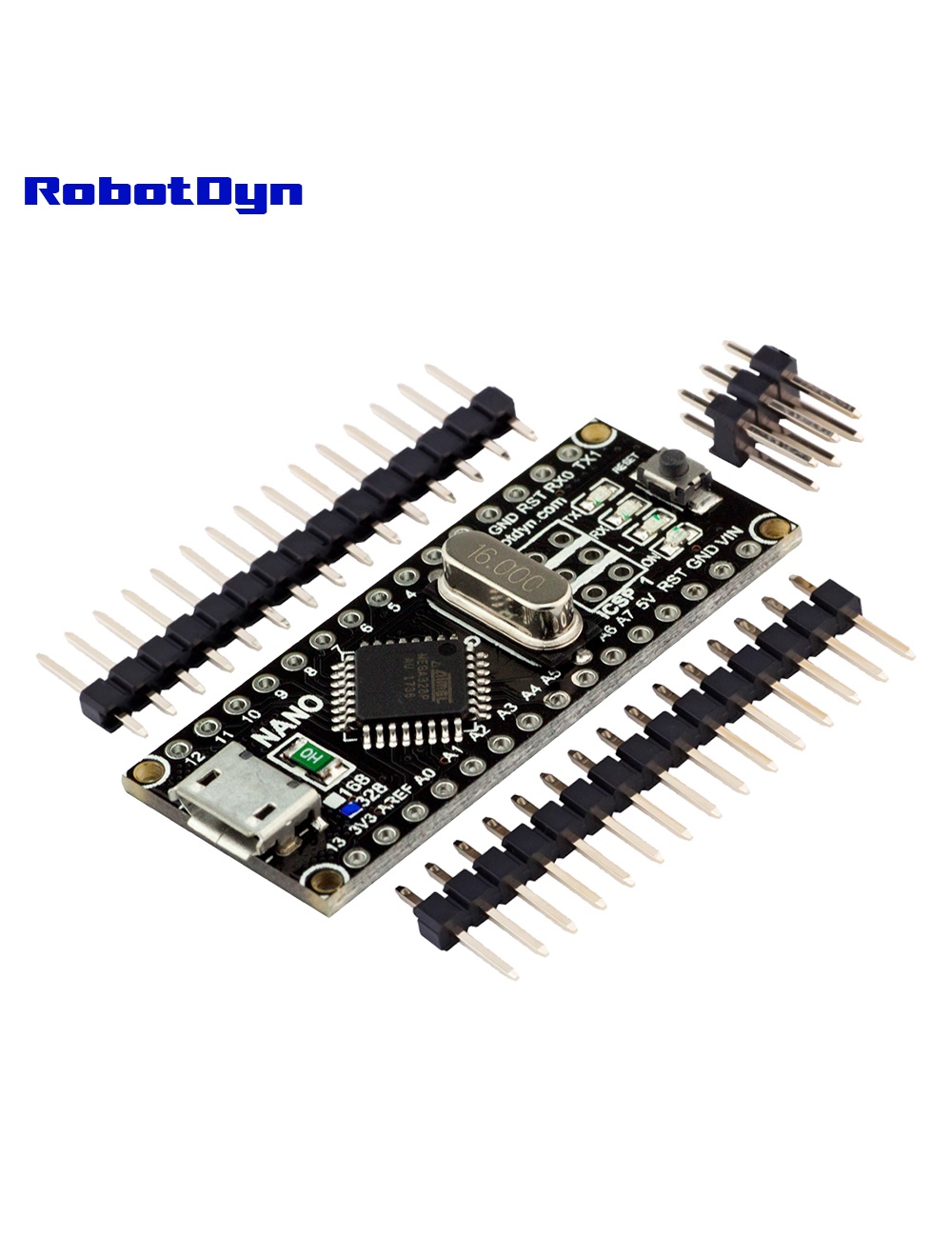
Overview
The RobotDyn Nano V3 is a direct Arduino Nano clone with two improvements:
- CH340G USB-serial — works without proprietary FTDI drivers (universal driver support on Windows/Mac/Linux)
- Micro-USB connector — more durable than the Mini-USB on classic Nanos
It’s a drop-in replacement for the original Arduino Nano with identical pinout, identical bootloader, and identical software compatibility. Every tutorial, sketch, and library for the Arduino Nano works without modification.
Why Use a Nano vs. UNO?
| Feature | UNO R3 | Nano V3 |
|---|---|---|
| Dimensions | 68 × 53 mm | 53 × 22 mm |
| Pin Pitch | Female headers (non-breadboard) | DIP-30 (breadboard-friendly) |
| Analog Inputs | 6 (A0–A5) | 8 (A0–A7) |
| USB | Type-B | Micro-USB |
| Shield Compatibility | Yes (standard UNO shields) | No (different layout) |
Use the Nano when you want to plug directly into a breadboard or fit into a tight enclosure.
Pinout
Standard Arduino Nano pinout. Two extra analog inputs (A6 and A7) on the inner row of pins — these are analog-input-only (cannot be used as digital I/O).
Programming
- Connect via Micro-USB
- Install CH340G driver if needed (Windows 7/older; preinstalled on Windows 10+, macOS, Linux)
- In Arduino IDE:
- Tools → Board → Arduino Nano
- Tools → Processor → ATmega328P (or ATmega328P (Old Bootloader) for some clones)
- Select port and upload
If uploads fail with “stk500_recv(): programmer is not responding”, try the Old Bootloader option — some RobotDyn Nanos ship with the older bootloader timing.
Common Uses
- Breadboard prototyping (DIP form factor fits standard 0.1″ rails)
- Permanent installations in tight enclosures
- Wearables / portable devices
- IoT sensor nodes (with separate WiFi module)
- Educational projects
Where to Buy in 2026
Nano V3 with CH340G is among the most cloned Arduino boards in existence — you can find them for $2–3 each in bulk on AliExpress. Look for CH340G (not CH340T or CH340C — those have different driver requirements).
Related Products
- Pro Mini ATmega328P — smaller, no onboard USB
- Micro ATmega32U4-MU — with native USB HID support
Documentation
- Pinout PDF — coming soon
- Old Bootloader vs new bootloader explanation — coming soon