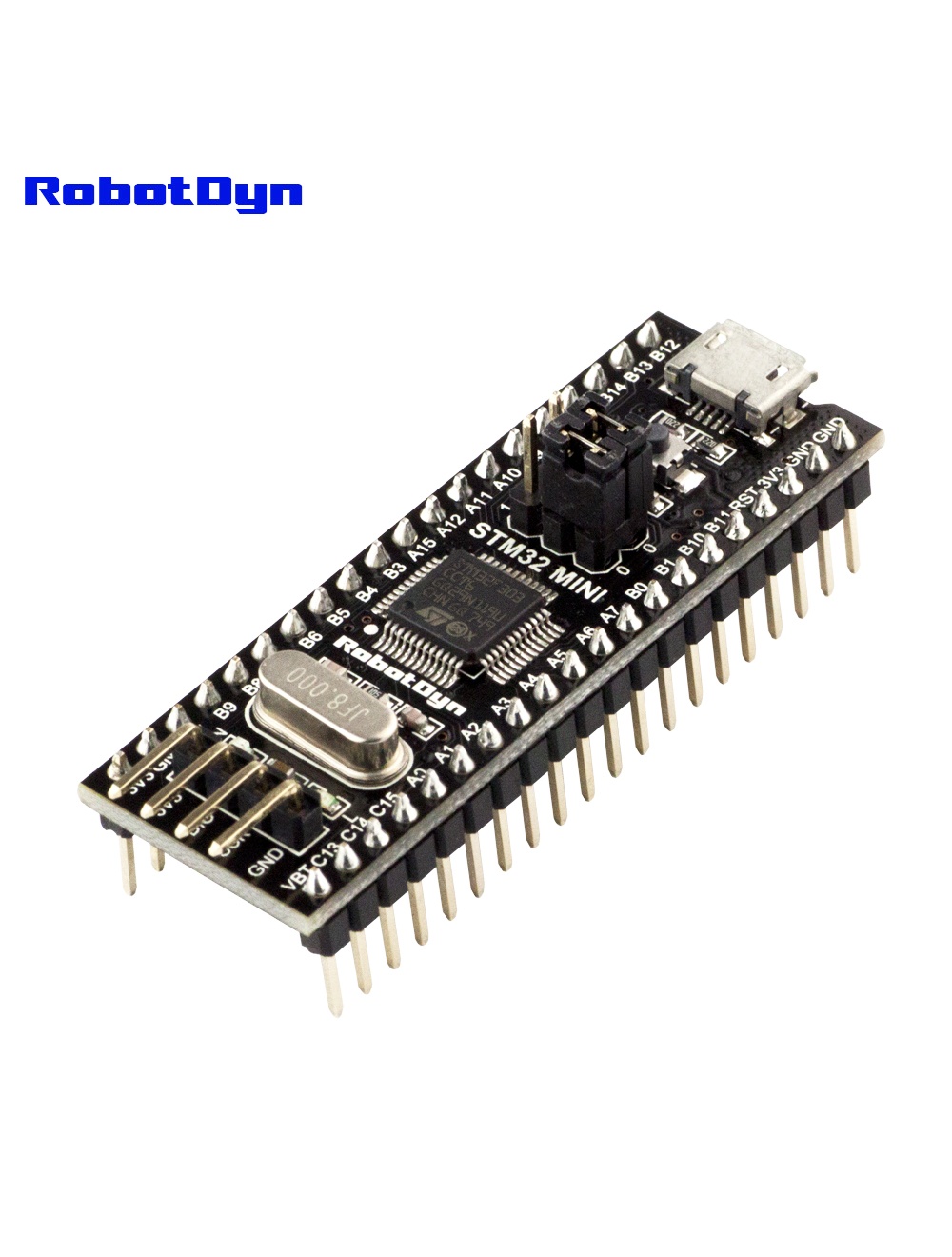
STM32F303CCT6 256 KB Flash, STM32 ARM Cortex-M4 Mini System Dev Board
Overview
The RobotDyn STM32F303CCT6 Black Pill is a significant step up from the Blue Pill — same form factor and pinout, but with:
- ARM Cortex-M4 core (vs. M3) with hardware FPU (single-precision floating-point unit)
- 256 KB flash (vs. 64–128 KB)
- 40 KB SRAM (vs. 20 KB)
- CAN bus support (vs. none)
- Three SPI buses (vs. two)
For applications with heavy DSP, signal processing, motor control, or anything requiring real floating-point math, the F303 is dramatically faster than the F103. For simple GPIO/sensor tasks, the Blue Pill is still cheaper and sufficient.
Hardware FPU — When It Matters
The Cortex-M4’s FPU executes float operations in 1–2 cycles instead of dozens. Real-world impact:
| Task | F103 (M3) | F303 (M4 + FPU) |
|---|---|---|
| 1000 × float multiply | ~6 ms | ~50 µs |
| FFT 256-point | ~12 ms | ~0.8 ms |
| PID with float | ~80 µs | ~5 µs |
If your code uses float or double, the F303 is ~50–100× faster on math-heavy sections.
Pinout
Same physical layout as the Blue Pill — 40 pins (2 × 20 along the long edges):
- PA0–PA15 — main GPIO + ADC1 channels
- PB0–PB15 — additional GPIO + alternate functions
- PC13–PC15 — including onboard LED on PC13
5V-tolerant on most pins (check datasheet for exceptions on analog pins).
Programming
Unlike the Blue Pill (Arduino bootloader) variant, this board ships with ST factory firmware and requires an ST-Link V2 programmer (cheap clones are widely available for $3–5) for first upload.
With ST-Link via SWD
- Connect ST-Link to the 4-pin SWD header (3.3V, GND, SWCLK, SWDIO)
- In Arduino IDE: install STM32duino core, select Tools → Board → STM32F3 series → Generic F303CCTx
- Upload method → STM32CubeProgrammer (SWD)
- Upload
Native USB DFU (after first SWD upload)
Once you’ve flashed a sketch that enables USB DFU, future uploads can go over USB without ST-Link.
Common Uses
- Motor control (BLDC, stepper)
- Audio effects pedals (DSP)
- Drone flight controllers
- Real-time data acquisition
- Signal generators / function generators
Related Products
- STM32 Blue Pill (Arduino bootloader) — easier first-time setup
Documentation
- Pinout PDF — coming soon
- ST-Link wiring diagram — coming soon