STM32F103C8T6 — 64KB Flash, STM32 ARM Cortex-M3 Mini System Dev Board (STM Firmware)
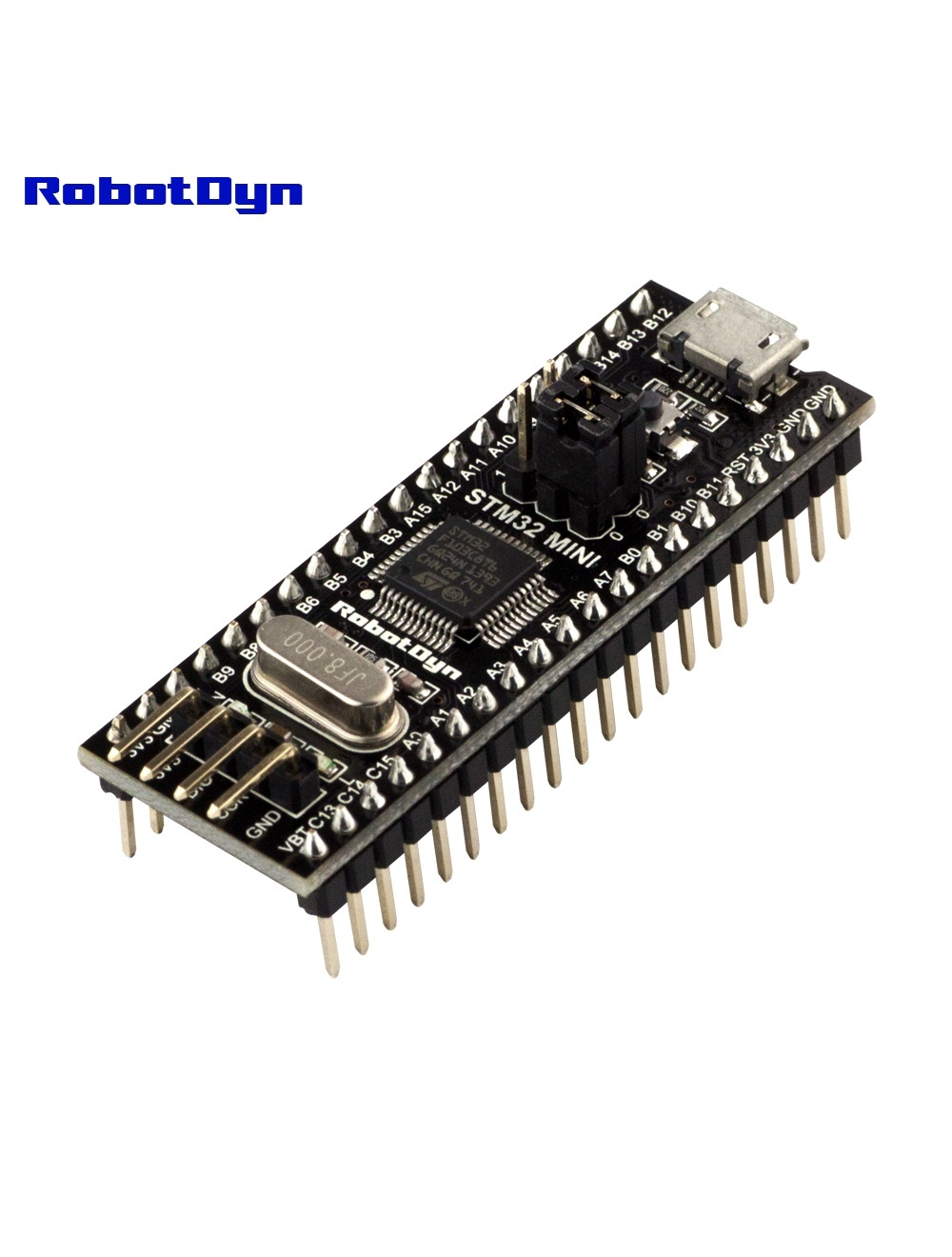
Overview
This board is the classic STM32 “Blue Pill” in its purest form — STM32F103C8T6 with stock ST factory firmware, no Arduino bootloader. It’s intended for developers using STM32CubeIDE, Keil µVision, IAR EWARM, or GCC-based toolchains with an ST-Link V2 debugger.
If you want easy Arduino IDE compatibility out of the box, use the Blue Pill with Arduino Bootloader variant instead.
Why This Variant?
- Native STM32 development workflow (HAL, LL, register-level)
- In-circuit debugging via SWD (breakpoints, variable inspection)
- No bootloader overhead — full 64 KB flash available for your code
- Production-ready — same configuration as how you’d ship a real product
Flash Memory Note
The chip is officially specified as STM32F103C8T6 with 64 KB flash. However, many of these chips actually have 128 KB physically present (ST’s manufacturing test yielded acceptable parts that they marked as 64 KB to fill demand). You can experimentally test this:
- Flash a binary larger than 64 KB
- Verify execution at addresses > 0x08010000
This is undocumented and not guaranteed — use at your own risk for hobby projects, but don’t rely on it for production.
Pinout
40-pin layout (2× 20 along the long edges):
- PA0–PA15 — ADC1 inputs on PA0–PA7, USART1 on PA9/PA10, USB D+/D− on PA11/PA12
- PB0–PB15 — I²C1 on PB6/PB7, SPI2 on PB13/PB14/PB15
- PC13–PC15 — onboard LED on PC13 (active LOW)
5 V-tolerant on most pins (except analog inputs at PA0–PA3 in certain configurations).
Programming Options
Option 1: ST-Link V2 via SWD (recommended)
- Connect ST-Link clone to the 4-pin SWD header (3.3V, GND, SWCLK, SWDIO)
- In STM32CubeIDE: New project, select STM32F103C8Tx, configure pins, generate code, build, debug
- Or in Arduino IDE (with STM32duino core): Upload method → STM32CubeProgrammer (SWD)
Option 2: Serial via ROM bootloader
- Set BOOT0 jumper to 1 (high), BOOT1 to 0
- Press reset — board enters factory bootloader
- Connect USB-TTL adapter to PA9 (TX) / PA10 (RX) at 3.3V logic
- Use STM32CubeProgrammer or
stm32flashCLI tool to upload via UART - Return BOOT0 to 0 and reset for normal operation
Option 3: USB DFU (after flashing a DFU bootloader)
The F103C8 does not have native USB DFU in ROM. You’d need to flash a custom USB bootloader first (e.g., the STM32duino bootloader, then it becomes the “Arduino-bootloader” variant).
Common Uses
- Learning STM32 ecosystem (HAL, LL, register-level programming)
- Real-time applications with strict timing
- USB device development (HID, CDC, MSC)
- Motor control prototypes (with FreeRTOS)
- Custom industrial controllers
Related Products
- STM32 Blue Pill (Arduino bootloader) — same chip, easier first-time setup
- STM32F303CCT6 Black Pill — Cortex-M4 with FPU and 256 KB flash
Documentation
- Pinout PDF — coming soon
- ST-Link wiring diagram — coming soon
- STM32CubeIDE quickstart — coming soon