WiFi NodeM ESP8266, 32M Flash, CH340G
Overview
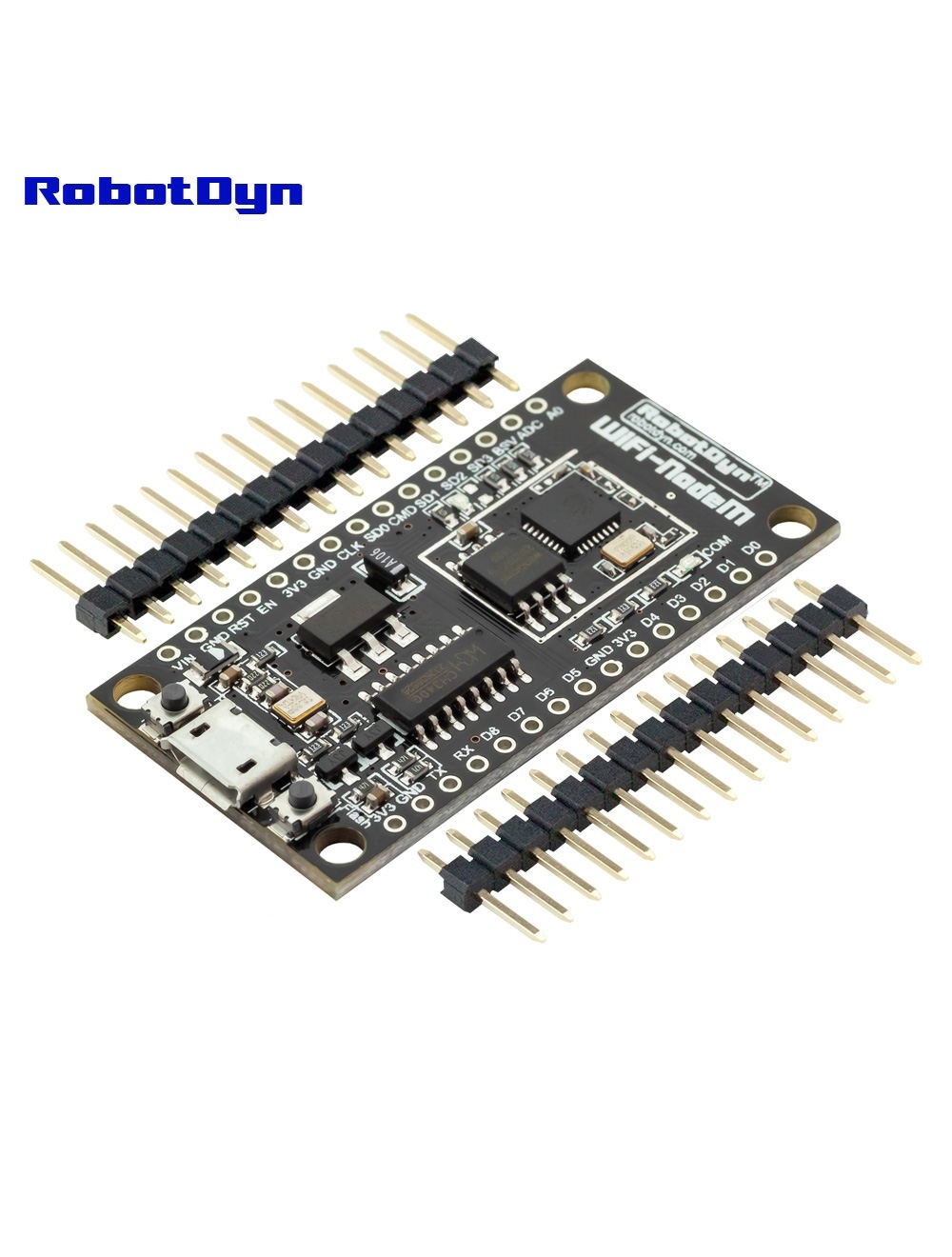
The RobotDyn WiFi NodeM is a NodeMCU-compatible ESP8266 development board — same form factor, same pinout, same software ecosystem as the popular Amica/LoLin NodeMCU boards. The differences are:
- CH340G USB-serial (vs. CP2102 on some clones) — universal driver support
- 32 Mb (4 MB) flash — plenty for OTA updates and SPIFFS file storage
- Micro-USB connector
If you’ve used a NodeMCU before, this board works identically — every tutorial, library, and code example applies directly.
Pinout
NodeMCU-standard mapping. Important: the Dx labels on the silkscreen don’t match the underlying GPIO numbers — use this table when writing code:
| NodeMCU Label | GPIO | Notes |
|---|---|---|
| D0 | GPIO16 | Wake from deep sleep (no PWM, no interrupt) |
| D1 | GPIO5 | I²C SCL |
| D2 | GPIO4 | I²C SDA |
| D3 | GPIO0 | Boot mode select (avoid pull-low at boot) |
| D4 | GPIO2 | Onboard LED (active LOW), boot mode |
| D5 | GPIO14 | SPI SCK |
| D6 | GPIO12 | SPI MISO |
| D7 | GPIO13 | SPI MOSI |
| D8 | GPIO15 | SPI CS, must be LOW at boot |
| RX | GPIO3 | UART RX |
| TX | GPIO1 | UART TX |
| A0 | ADC0 | 0–1 V range (use voltage divider for higher) |
⚠️ 3.3 V Only
The ESP8266 is NOT 5 V-tolerant. Connecting any 5 V signal to a GPIO will damage the chip. Always level-shift if reading from 5 V devices.
Programming
Arduino IDE
- Install the ESP8266 Arduino core via Boards Manager
- Tools → Board → NodeMCU 1.0 (ESP-12E Module)
- Flash size → 4M (3M SPIFFS) or similar
- Tools → Port → COMx (CH340G driver needed on older Windows)
- Upload as normal — the board auto-resets via DTR/RTS
MicroPython
- Download the latest MicroPython firmware
- Erase flash:
esptool.py --port COMx erase_flash - Flash MicroPython:
esptool.py --port COMx --baud 460800 write_flash --flash_size=detect 0 firmware.bin
Common Uses
- WiFi sensor nodes (temperature, humidity, motion → cloud)
- MQTT-based home automation devices
- Web-controlled relays / switches
- ESPHome integrations
- Captive portal devices for WiFi onboarding
Where to Buy in 2026
NodeMCU clones are abundant. Look for boards specifically marked 32 Mb / 4 MB flash (some cheaper variants have only 8 Mb / 1 MB which is too small for OTA updates).
Related Products
- UNO+WiFi R3 ATmega328P+ESP8266 — same ESP8266 + an ATmega328P
- ESP-01 WiFi module 8Mb — minimal ESP8266 breakout
Documentation
- Pinout PDF — coming soon
- ESP8266 GPIO reference card — coming soon